Chemical Treason (Alt Concept)From Ref Sheet
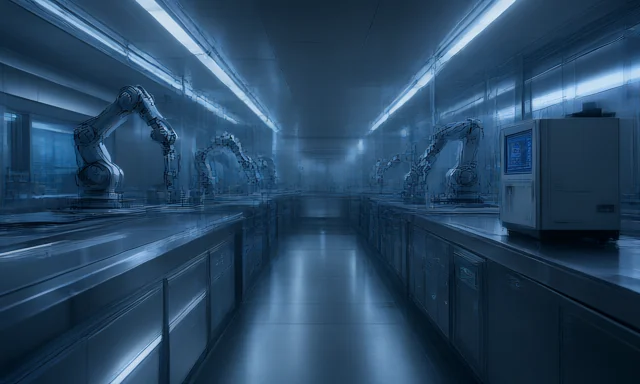
Clinical Glass Chamber — 35mm Anamorphic
Lead vocalist from the alternate overcoat concept placed inside the Visual Bible's glass chamber, holding collar and silhouette continuity.
See what goes in, walk through all five studio stages, solo the isolated audio stems, and inspect real cast sheets and unedited frames.
What Goes In → What Comes Out
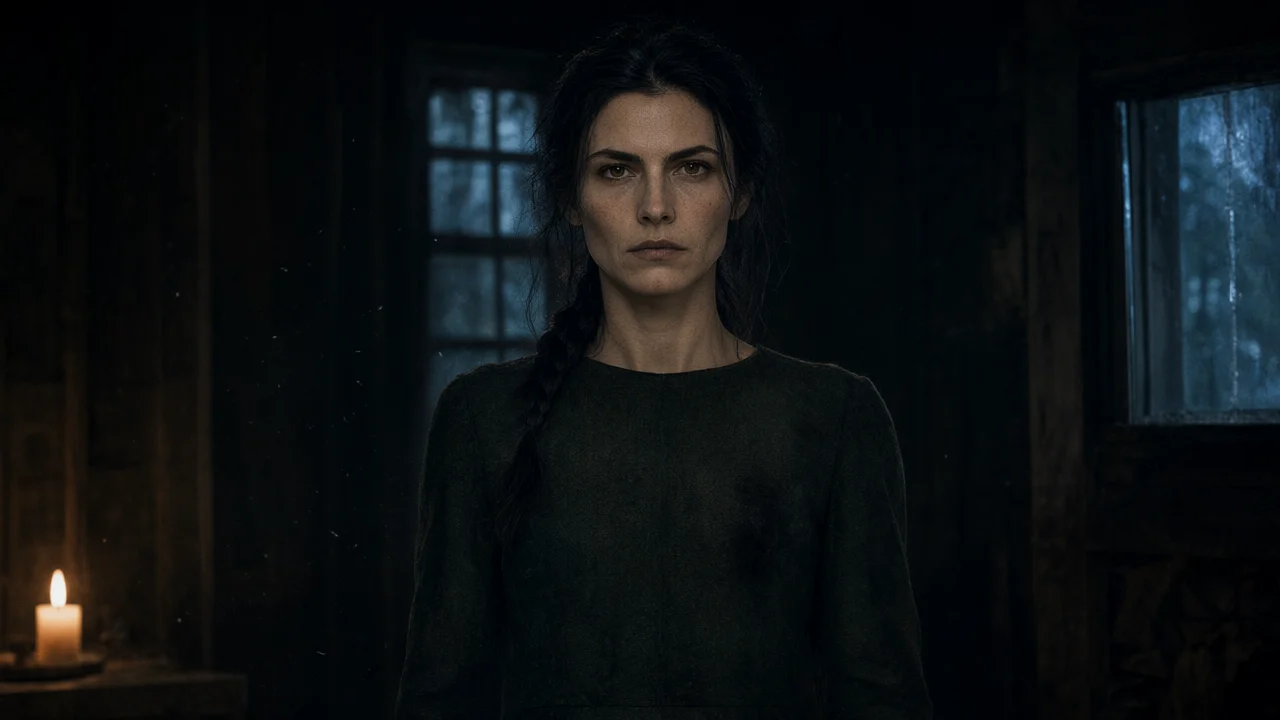
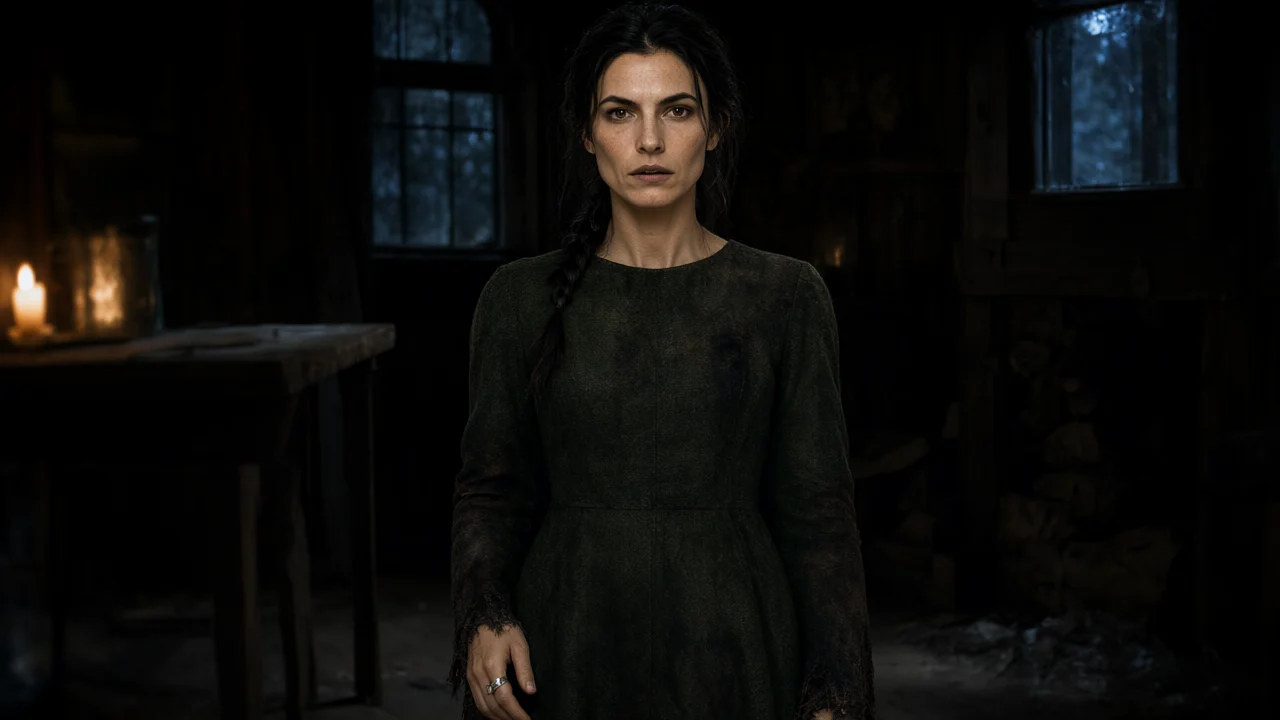
Every still and clip below comes from the same locked reference — holding the same performer across candlelight, moonlight, and wide performance angles.
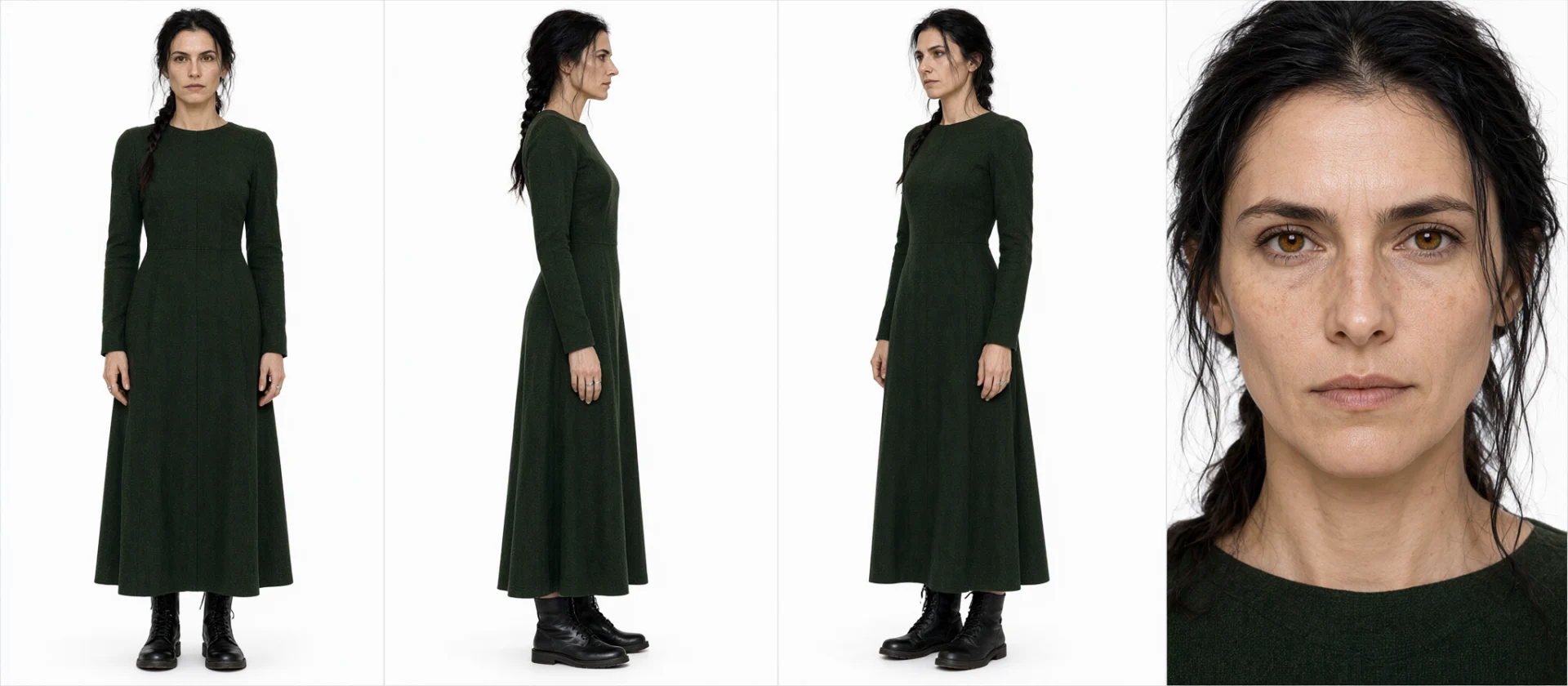
Locked 4-Panel Sheet · or 1 Real Portrait / Band Photo
How It Works · 5 Approval-Gated Stages
Real captures from a live SongFilm Studio session. Scroll through the director workflow — or click any stage to lock and inspect full-size.
Generate 4-panel character sheets, upload a real singer portrait, or split a band photo into cropped cast references. Share storyboard stills for on-frame feedback before rendering any video.
Beat-Locked Storyboard & Live Stems
Click any shot frame to jump straight to that cut, and switch live between Full Mix, Vocals, and Drums without losing your place. Audio-driven singing lip-sync and lyric alignment support up to 100 languages.
Switch live between Full Mix, isolated Vocals (driving audio-locked singing close-ups and vocal-activity detection), and isolated Drums (locking downbeats and the 1:06 primary drop).
Multi-Stem Intake · Vocals + Drums Split · 92 Beat-Locked Shots · Streaming Loudness Check
Character Consistency
Generate a turnaround character sheet or upload a real portrait. SongFilm pins facial features and wardrobe into every scene so your singer never morphs mid-song.
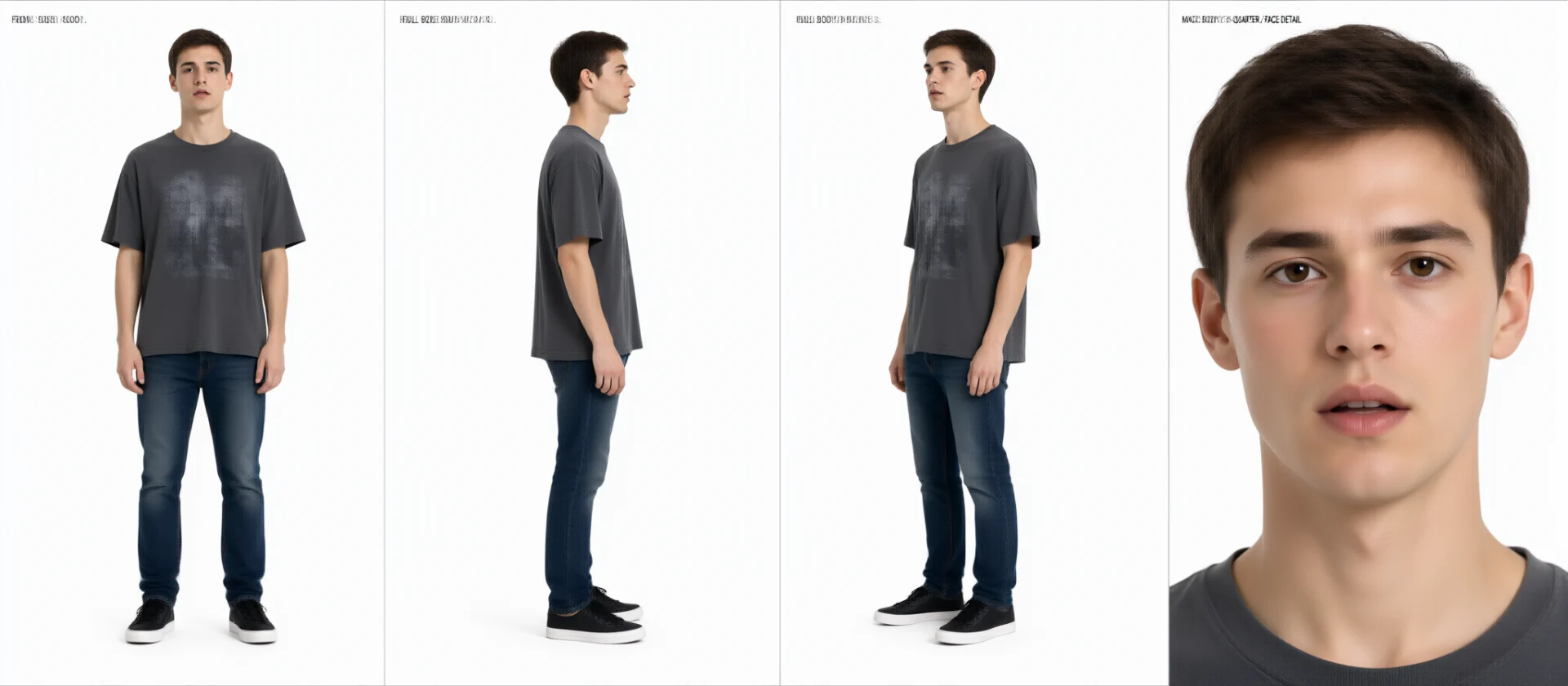
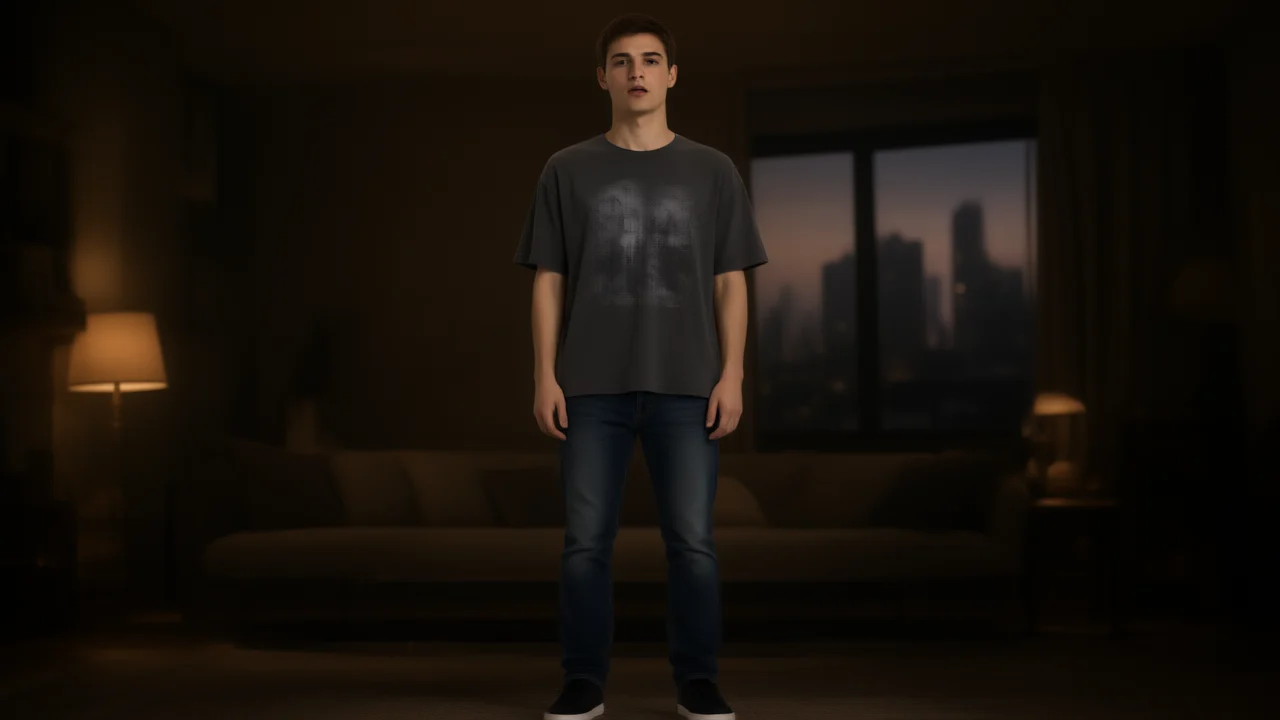
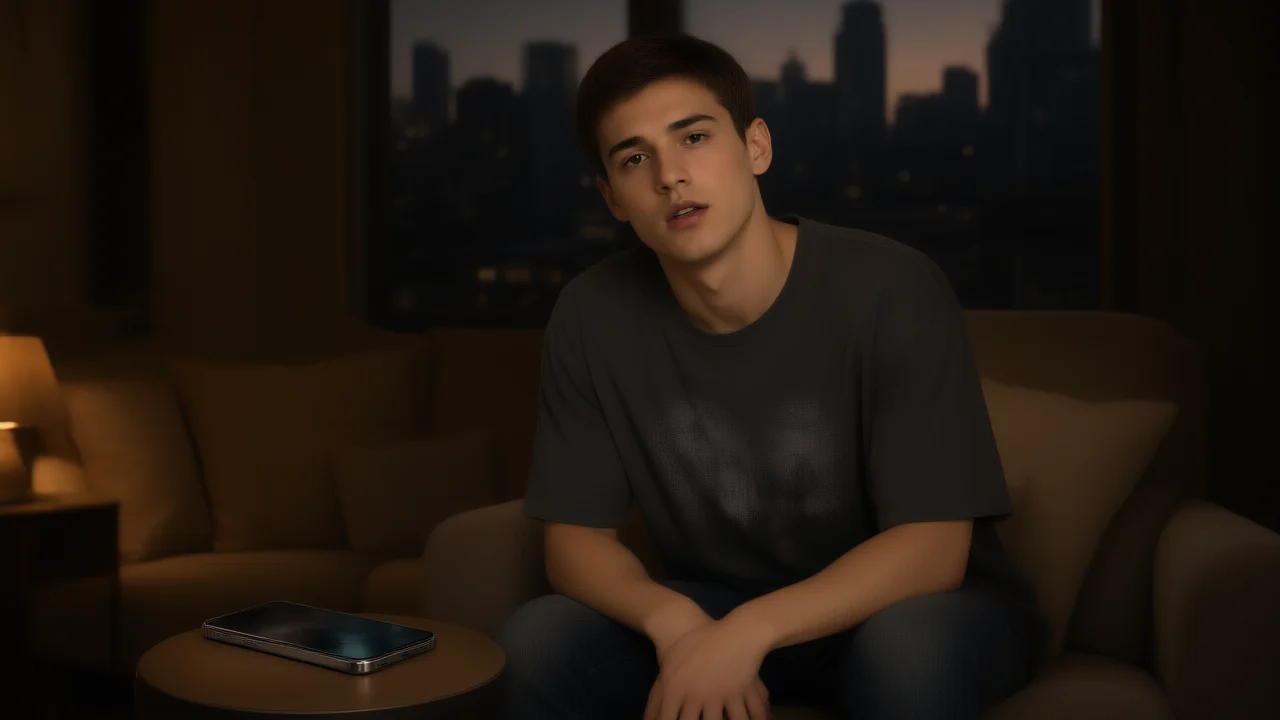
Locked details: Short dark textured hair, faded charcoal graphic t-shirt, dark indigo denim jeans, and black sneakers — held consistently across twilight 35mm apartment angles and lip-sync close-ups.
From 35mm live-action and candlelit folk to sunlit gardens and neon skylines. Click any still to inspect full-size, or audition film grades live.
Lead vocalist from the alternate overcoat concept placed inside the Visual Bible's glass chamber, holding collar and silhouette continuity.
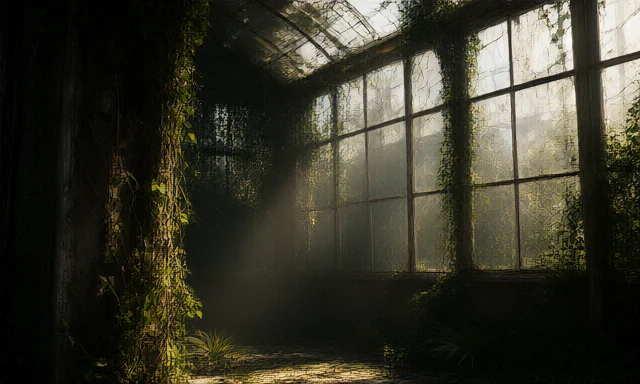
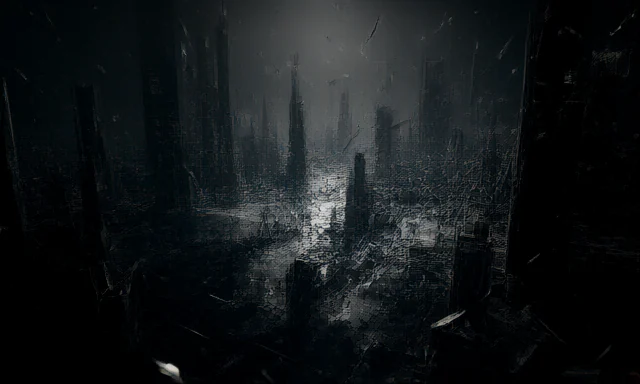
Uninhabited architectural environment generated for 'All Systems Ready' (04:58–07:57) in the 60-minute continuous mix.
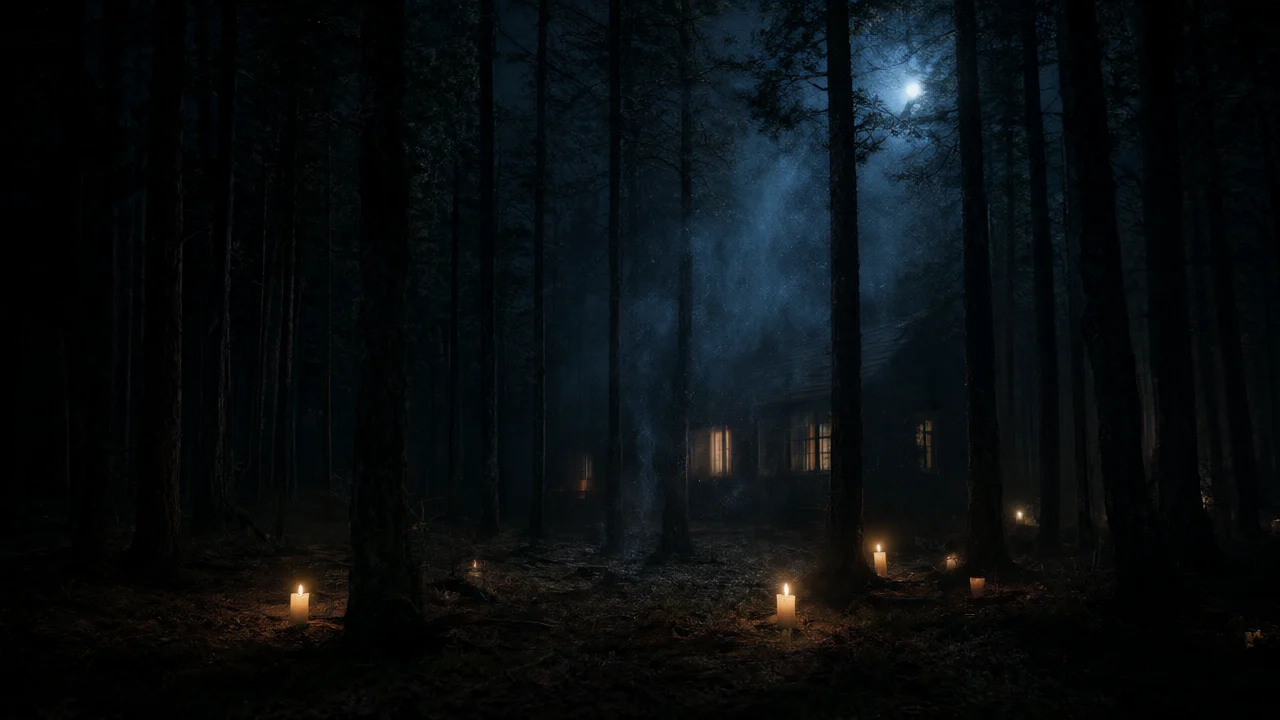
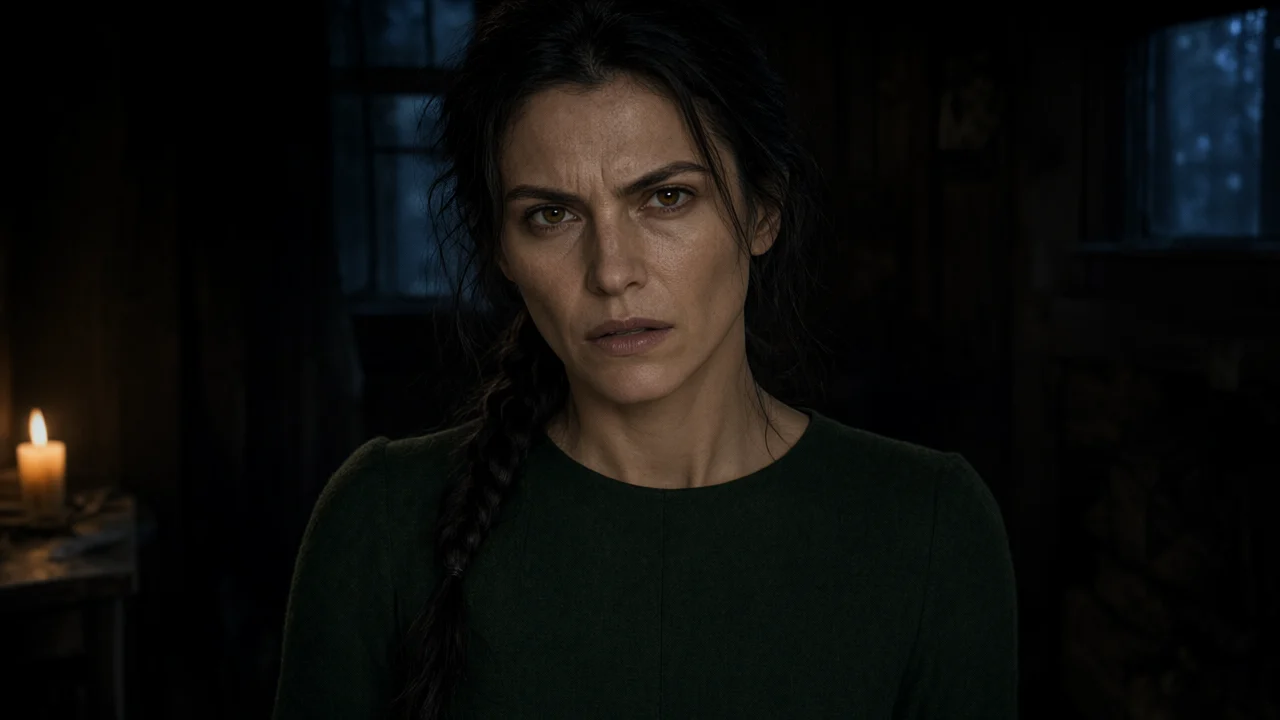
Warm practical candlelight balanced against cold blue moonlight through cabin windows, locked to the 4-panel sheet for the 1:06 drop.
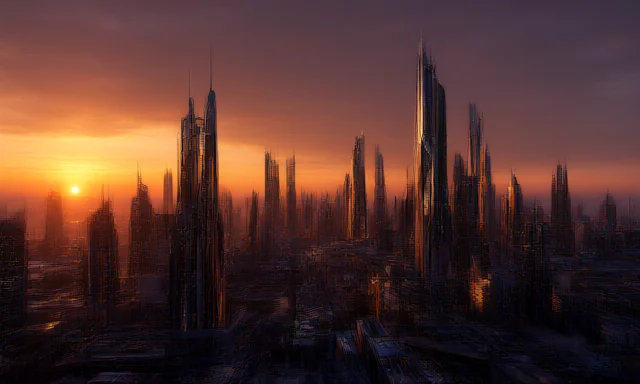
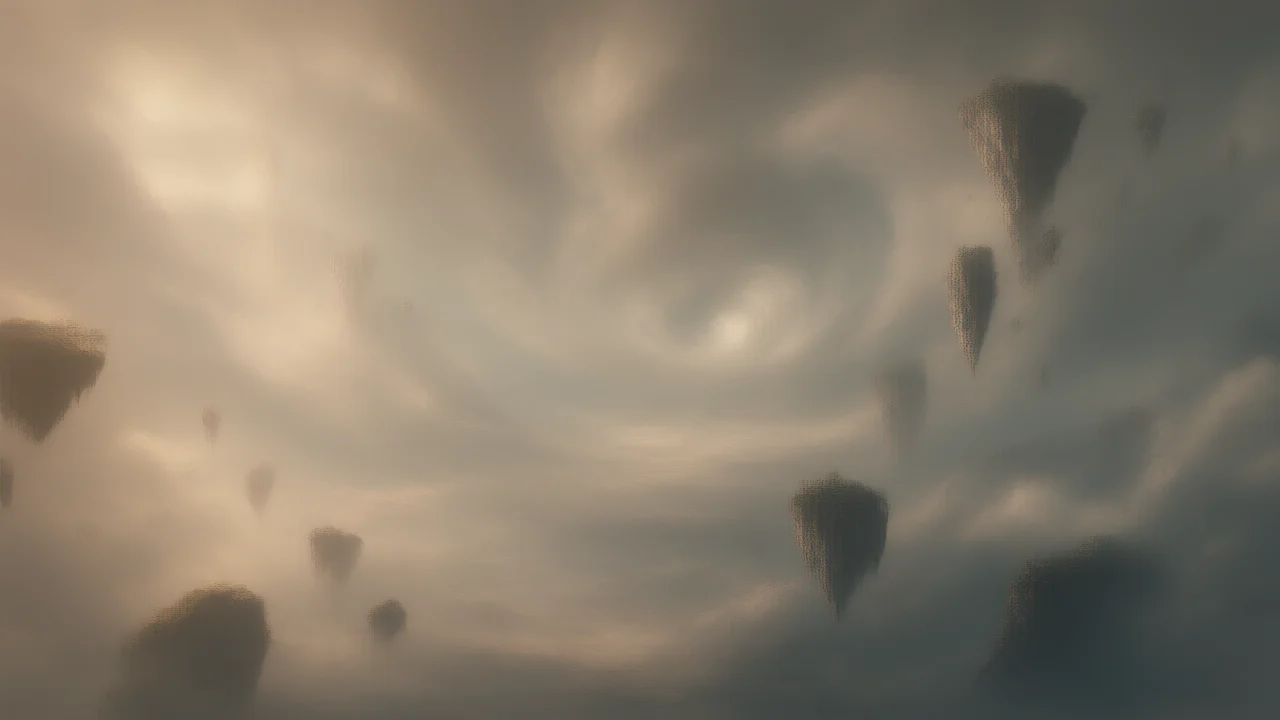
Futuristic sunset vista generated per-chapter with matched warm palette & lighting directives.
Isolated vocal stem drives solo singing performance in twilight 35mm lighting while holding facial and wardrobe continuity.
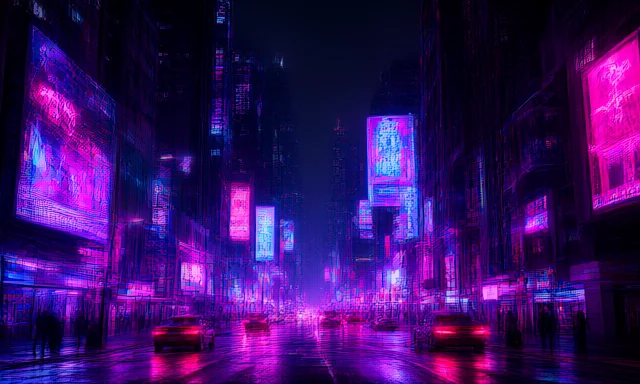
High-energy rain-slicked cyberpunk boulevard synced to high chapter intensity (41:22–47:09).
Start Directing
Drop your track, test a 45-second chorus teaser free, and direct every still before you render the full video.